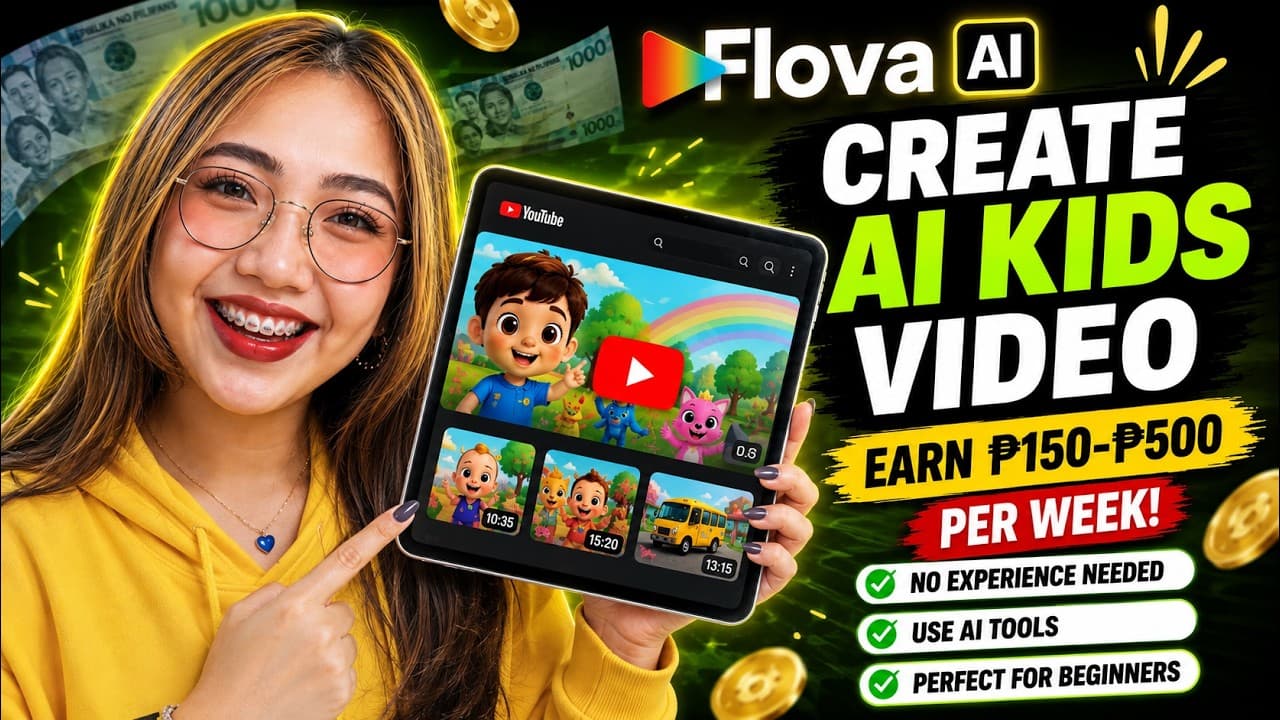
A step-by-step process for producing a children's educational animated video series with millions of views in the CoComelon style using Florova AI: from setting up the Bible Series and character creation to publishing multiple episodes.
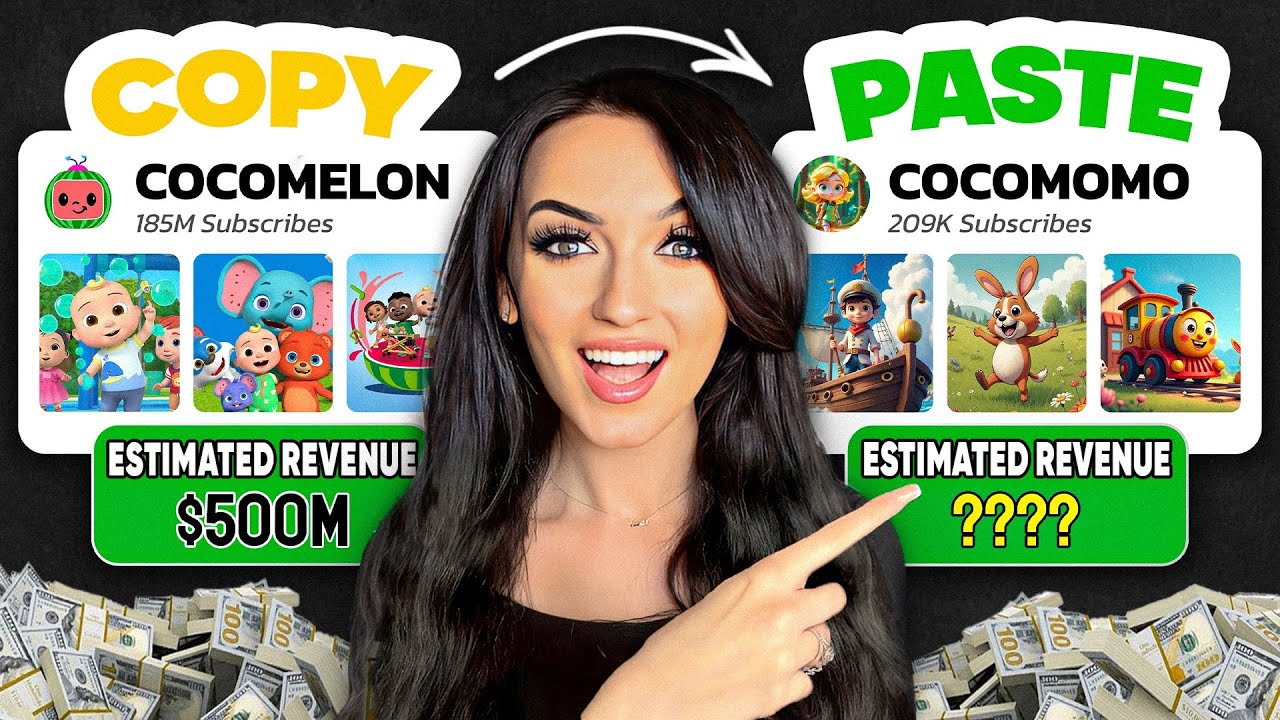
Educational animation and children's music channels (such as CoComelon, Super Simple Songs, and ChuChu TV) consistently rank among the highest-viewed and highest-earning content on YouTube globally. A key characteristic of young audiences is their high repeat rate—a child might watch an animated song dozens of times. Furthermore, owning an original character opens up a huge source of passive income from selling storybooks, coloring books, and printables.
Previously, producing a 3D animated series for children required a studio costing tens of thousands of dollars. But with the Flova AI platform, you can automate the entire process: from scriptwriting, creating Series Bible (character profiles), drawing storyboards, creating children's voiceovers, to rendering motion video and children's music, all in a single workspace.
Sample concept: Series “Luna Learns Colors”
• Main Characters: Luna (a cheerful 4-year-old girl with big, round eyes, brown hair tied in pigtails, always wearing a bright yellow dress) and her adorable long-eared white rabbit companion, Bunny. • Art Style: Bright & Graphic 3D Animation (standard CoComelon/Little Baby Bum style), bright colors, safe, rounded shapes, and warm lighting. • Structure of Volume 1 (Learning the Color Red): Consists of 7 interactive scenes: Greeting at the playground → The red ball rolls → The red balloon flies → The fragrant red flower → The giant red slide → A nursery rhyme reviewing the color red → Farewell. • Sound & Voiceover: Clear, cheerful children's voices, combined with catchy nursery rhymes and lively animated sound effects.
5-Step Process for Building a Children's Animation Series with Flora AI
Step 1: Create Series Blueprint & Project Document in Flora AI
Access Flova AI, click New Project to create a Blueprint for the entire series. Set the standard parameters for preschool YouTube content:
• Episode Duration: Select Standard Preschool Length (2 to 4 minutes for a single episode or 5 to 8 minutes for a combined episode). • Visual Style: Select 'Bright and Graphic Style' (bright, eye-catching 3D graphic style with soft edges, similar to CoComelon). • Generation Method: Select 'Generate Character Design First' to preview character images before writing the detailed script.
Step 2: Master Prompt - Design and lock the main character (Character Lock)
Enter the Master Prompt below into Flova AI to create and lock the identity of Luna and her bunny friend Bunny:
Prompt mẫu
Create a consistent 3D animated preschool character profile for a YouTube educational series:
- Main Character: Luna, a cheerful and curious 4-year-old toddler girl with large sparkling brown eyes, sweet smile, brown hair styled in two cute side pigtails. Wearing an iconic bright sunny-yellow A-line toddler dress with white socks and soft red shoes.
- Companion: Bunny, a friendly chubby little white rabbit with long floppy ears, warm pink cheeks, and an adorable curious expression.
- Art Style: Premium 3D preschool animation aesthetic, soft rounded edges, vibrant cheerful colors, studio cartoon lighting, Pixar-CoComelon style, high-end toy-like textures, clean studio background, 4k resolution, no text, no watermark.
Step 3: Create a script for 7 interactive scenes & a nursery rhyme.
After reviewing the character designs, Flora AI was asked to generate a detailed script for 7 scenes for Episode 1 (Red Theme):
Prompt mẫu
SCENARIO 7 SCENES EPISODE 1 (LUNA LEARNS COLOR RED):

• Scene 1 (Arrival & Welcome): Luna and Bunny happily waved at the colorful playground. "Hi everyone! Welcome to the playground! Today, Bunny and I are looking for something very special. Can you guess what it is?"
• Scene 2 (The Red Bouncy Ball): A big shiny red ball bounces across the grass. Luna points and smiles: "Look, a bouncy ball! What color is it? That's right, it's RED!"
• Scene 3 (The Red Floating Balloon): Luna gently catches the string of a floating bright red balloon. "A balloon! Look how it floats! It is a beautiful red balloon!"
• Scene 4 (The Red Garden Flower): Bunny sniffs a lovely red tulip in the flowerbed. "Look down there, Bunny! A pretty flower! It's red just like the ball!"
• Scene 5 (The Giant Red Slide): Luna and Bunny climbing up and sliding down a giant bright red playground slide with giggles and joy.
• Scene 6 (The Catchy Recap Song): Luna and Bunny dance together while all 4 red objects glow around them on screen to the tune of the Color Rhyme: "Red, red, look around and see! Red is the color for you and me! Red ball, red balloon, red flower, red slide! Red is the color we see outside!"
• Scene 7 (Interactive Outro): Luna waves goodbye to the camera: "We found so many red things today! Can you find something red in your room? Great job! See you next time to learn another color! Bye-bye!"
Step 4: Synchronize Children's Voiceovers, Background Music, and Render Each Scene
In the Flova AI interface: 1. Select the 'Luna' voice (a cheerful, excited 4-year-old girl's voice) and the 'Bunny' voice (a cute mascot voice). 2. Select the background music genre 'Nursery Rhyme Playful Melody' (a cheerful rhythm with pleasant xylophone and flute sounds). 3. Press 'Generate Episode Scenes'. Flova AI will automatically use the Luna character image locked in Step 2 to render 7 animated clips in a standard 16:9 aspect ratio (or 9:16 for Shorts). 4. Review each scene. If any movement is not satisfactory, use the 'Regenerate Scene' feature to adjust that specific segment without affecting other scenes.
Step 5: Reuse the saved asset to produce Volume 2 in 5 minutes.
This is the strongest point of the Series Blueprint model: • To create Episode 2 (e.g., 'Luna Learns Shapes'), you don't need to recreate the character or retrain the voice. • Open the project > Click 'New Episode in Series' > Flova AI will automatically inherit 100% of Luna's appearance in the yellow dress, Bunny, and the entire sound profile, only changing the object scenario to: Circle (Wheel), Square (Gift Box), Triangle (Pizza Slice).
YouTube Kids Safety Checklist (COPPA Compliant)
Checklist thực hành
- The content is positive, purely educational, and contains no horror, sensational, or frightening elements for children.
- The characters maintain consistent clothing, hair color, and 3D style across all episodes.
- The visual pacing is moderate, avoiding overly fast flashing light effects (protecting children's eyesight).
- The voiceovers pronounce each educational vocabulary word (colors, shapes, numbers) accurately and clearly.
- The background music and children's songs have balanced volume, without any jarring sounds.
- The content is correctly categorized as 'Made for Kids' when uploaded to YouTube.
Lean manufacturing system
Tạo Project Document (Flova AI) → Thiết lập Series Blueprint
→ Master Prompt: Tạo và khóa nhân vật chính (Luna + Bunny)
→ Lên kịch bản 7 phân cảnh giáo dục tương tác + Bài hát vần điệu
→ Chọn giọng đọc trẻ em bản quyền + Nhạc nền Xylophone vui nhộn
→ Render tự động 7 scene hoàn chỉnh & Xuất file MP4 4K
→ Tái sử dụng Blueprint để sản xuất hàng loạt các tập tiếp theo
By building a structured workflow with Florva AI, you not only save hundreds of hours of animation production but also create a valuable, long-term animated intellectual property (IP) ready to expand into books, educational materials, and sustainable advertising revenue.