Build a workflow to transform transcripts into summaries, decisions, action items, and follow-up emails with a review step.
A good meeting workflow is more than just a summary of the content. It should help the team understand what has been decided, who is responsible, and when it needs to be completed.
Proposal processing flow
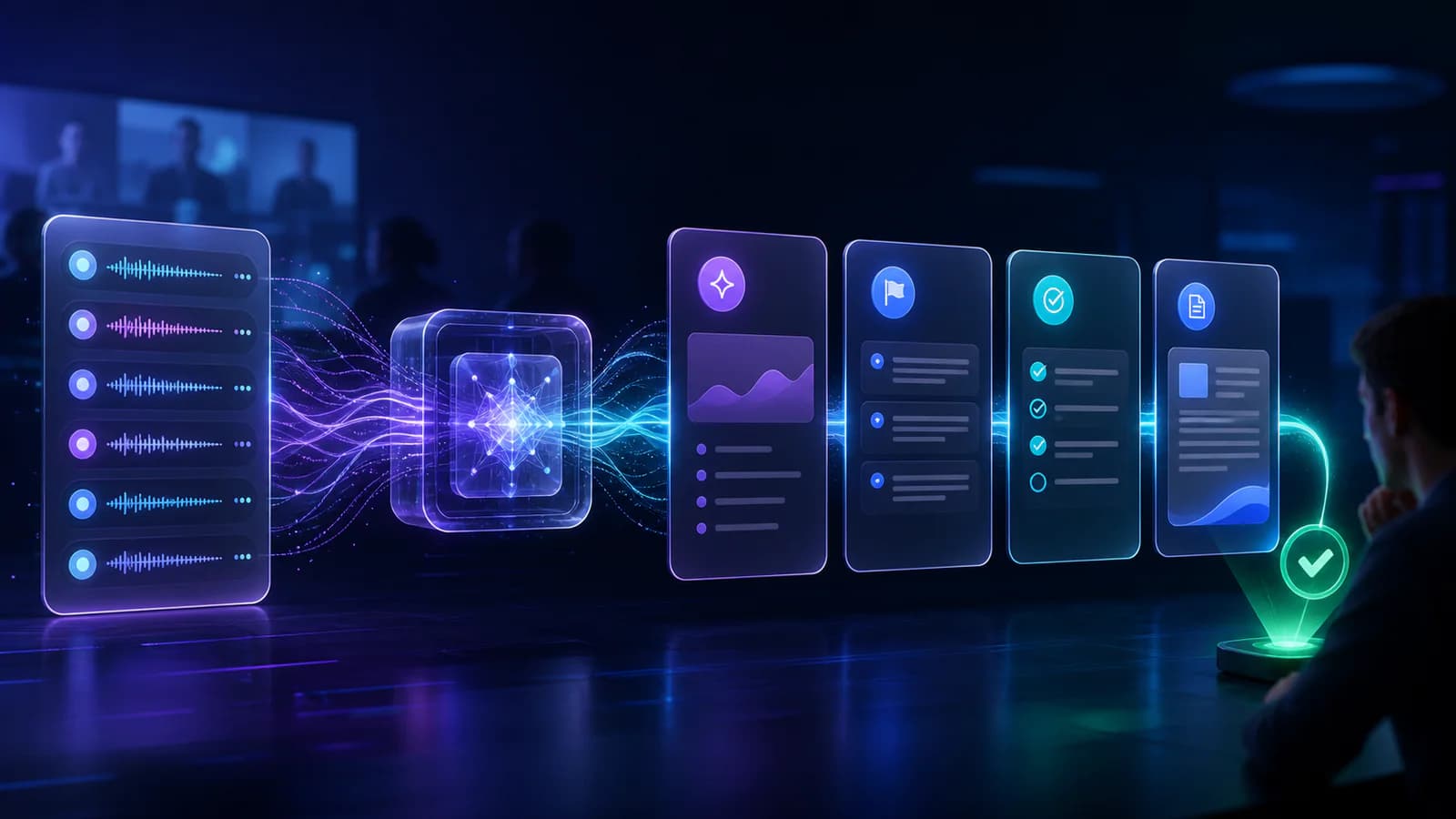
1. Collect transcripts or notes in a dedicated folder. 2. Standardize names and topics. 3. Instruct the AI to separate decisions, risks, open-ended questions, and action items. 4. Save drafts to a shared document. 5. Have the person in charge review before sending follow-up emails.
Output structure
The AI request returns JSON or a table with columns for: information type, content, responsible person, deadline, certainty level, and source excerpt. The source excerpt allows the reviewer to quickly compare it with the transcript.
Human in the loop
Don't automatically send emails immediately after AI processing. Add a "Pending Approval" status and only allow the sending step to proceed when someone confirms their name, data, and commitment.
Indicators to monitor
Track time saved, the percentage of action items lacking assigned personnel, the number of errors requiring correction, and the percentage of emails approved on the first try. These metrics indicate whether the workflow is truly useful or simply creating additional work.